Getting Started
How to Login
Users must have internet access and an internet browser and the IMS site’s address:
Select and open an internet browser, (Google Chrome recommended) input your IMS site address in the search bar and click enter.
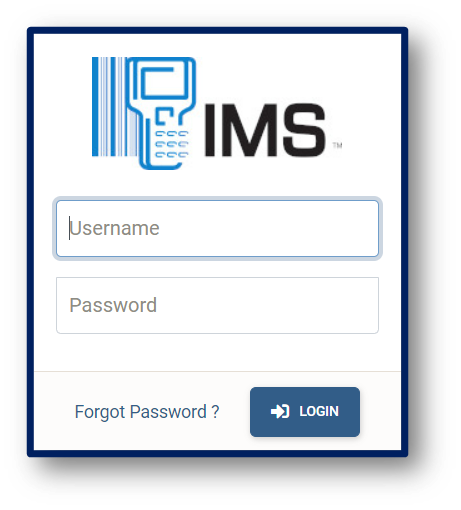
The browser will display the login page (See image below).
Enter Username and Password assigned to you by your Administrator and click the Login button.
How To Reset Your Password
Log in into the site
Select your Display Name
in the top right-hand corner
Then select User Profile from the options displayed
At the bottom of the page, you will see the Change Password section.
Enter your new Password into both boxes and then click the update button.
How to Navigate Through The Site
After you have logged in, the navigation bar is located at the top of your screen (see image below), it allows you to view, edit and add data to the site based on your user permissions.

Dashboard
The IMS-OS 2.0 Dashboard gives you a snapshot of your monthly transactions based on the period selected. This includes:
Month Selector displays Current Selected Month, toggles previous and next month
Total Processed Purchases
Total Processed Requisitions
Total Consumption
Status of the Previous Month Closed/Not Closed
The Working List Purchases and Requisitions
Graphs
Back to top of the page button
